2. In the "Files" section, click on "Backup Wizard" Icon.

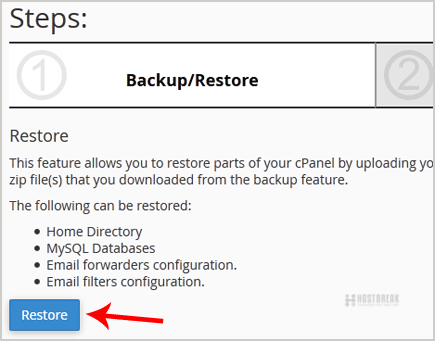
3. Under "Backup/Restore" text, click on the "Restore" button.
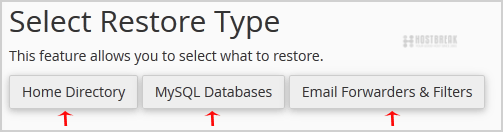
4. Under "Select Restore Type", choose the appropriate option.
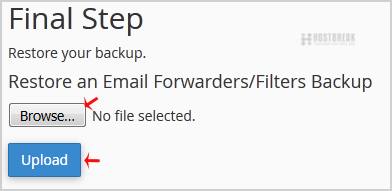
5. Click on "Browse", select your backup file from your PC, and click on the "Upload" button.