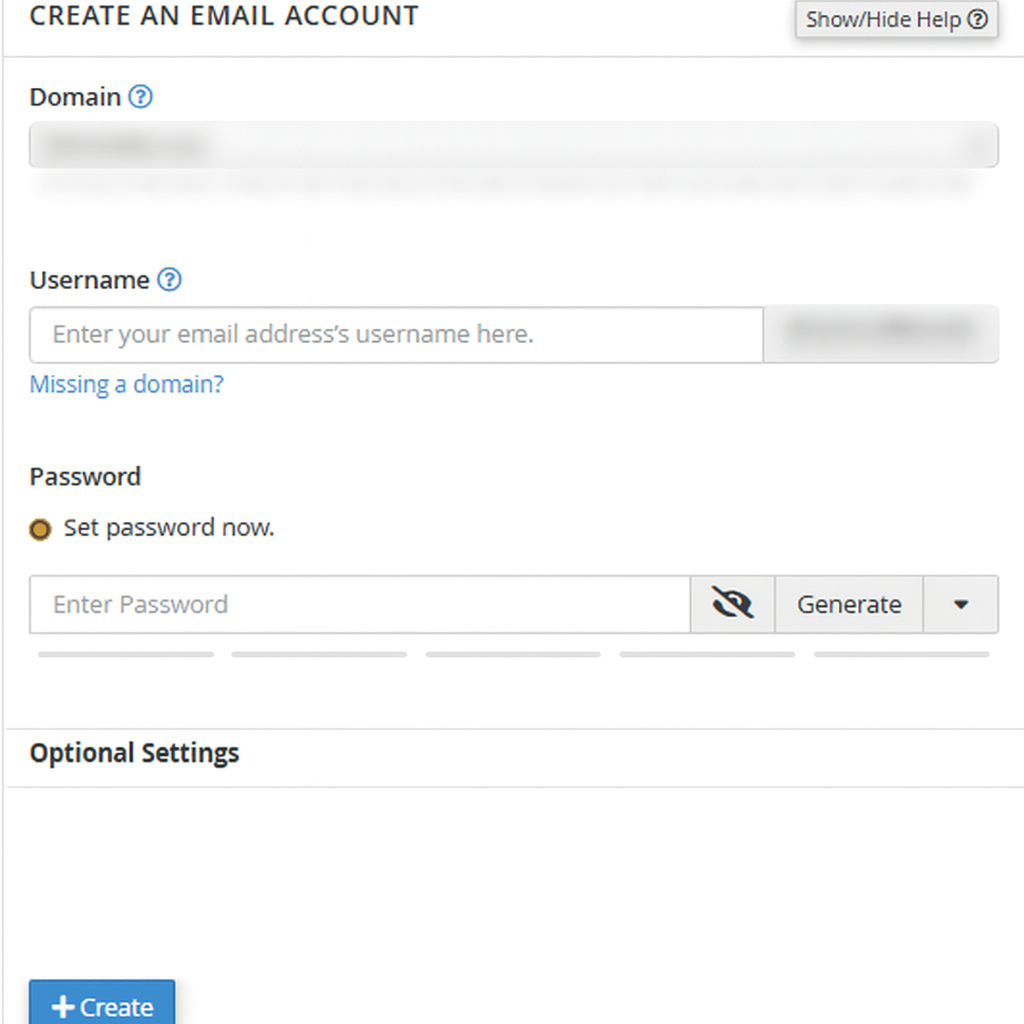
To create a new email address, perform the following steps:
1. Log into your cPanel account.
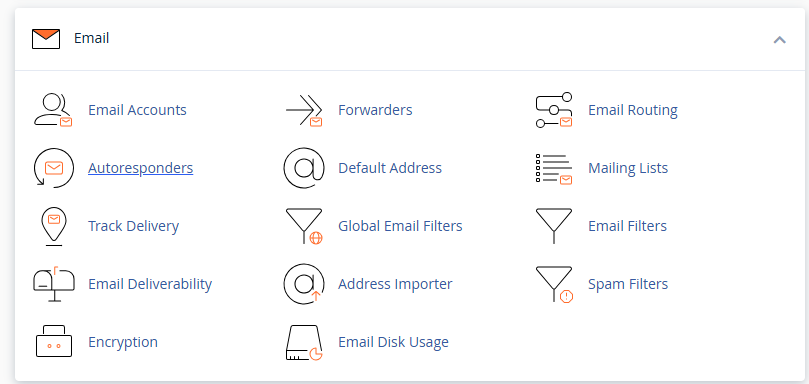
2. In the "Email" section, click on "Email Accounts" Icon.
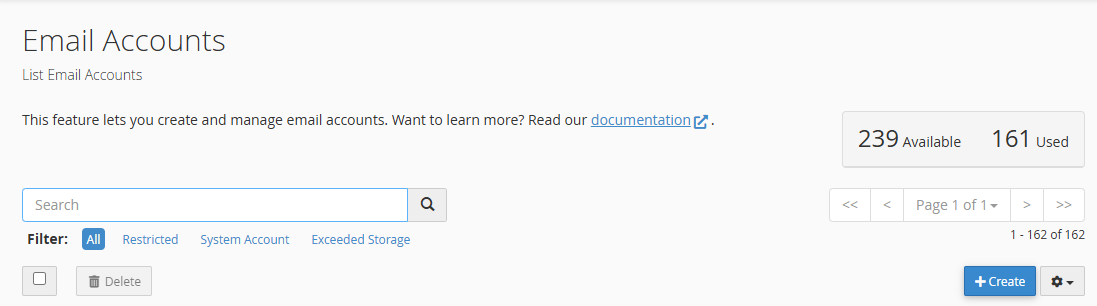
3. Click the 'Create' button shown on the right side of the page.
4. Enter the email address in the 'Username' field
5. Enter your new password or use a password generator.
6. click 'Edit Settings' to allocate storage
7. Then click the 'Create' button